 Robine Studio
Voice
See your pitch as you sing, record a take and have it analysed against the voices of a style, train your ear.
The Voice section has five tabs. They all use the input you chose: a microphone, or a headset.
Pitch
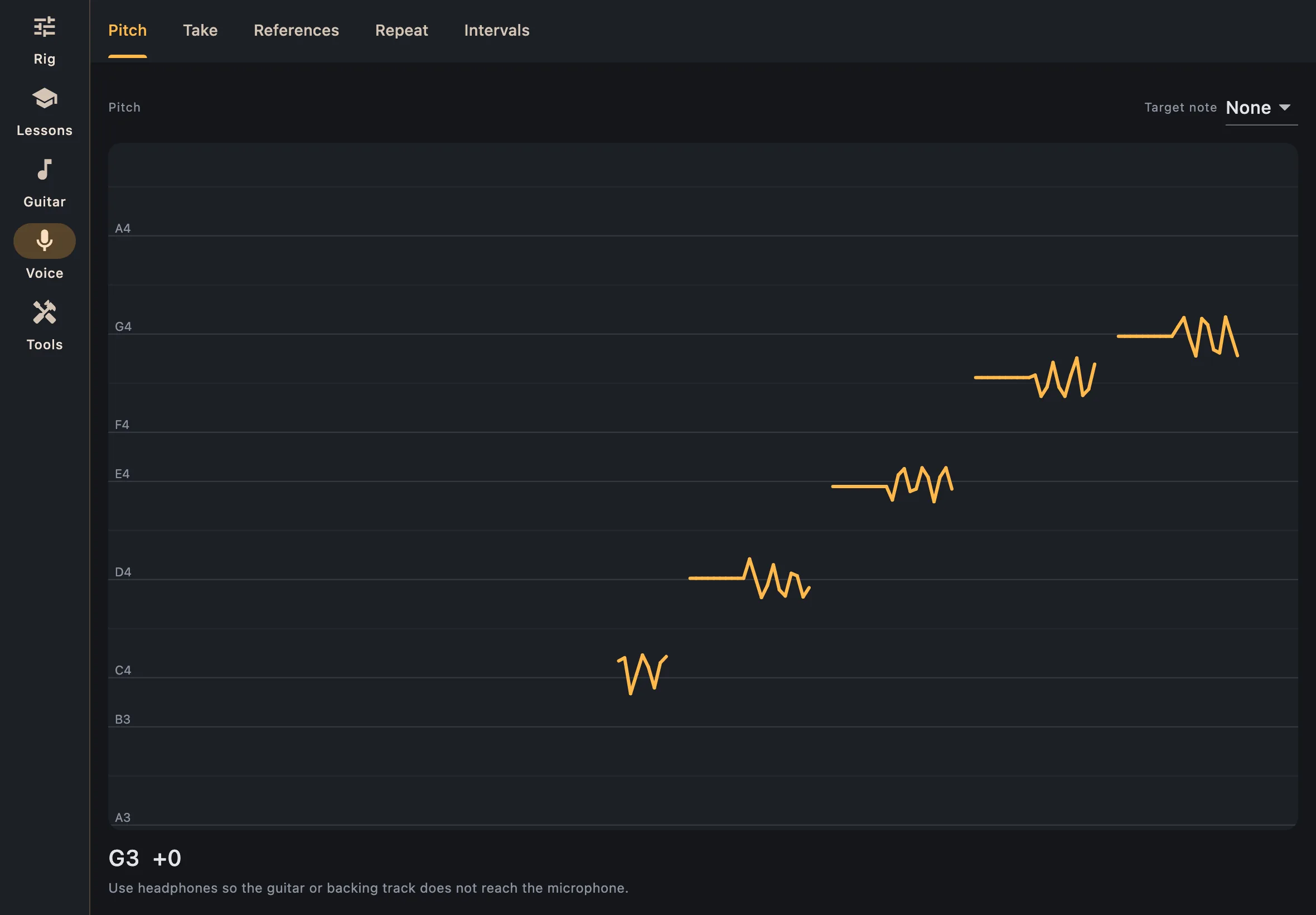
Sing and your pitch is drawn as it comes, note by note, with the note and how far from it you are in cents. Choose a target note to see a line for it.
Take
Record, sing, then stop. The take is drawn at once and analysed:
- the notes you sang, each with its pitch;
- the pitch line, with your vibrato;
- the register you used;
- the sound wave, to see where you breathe.
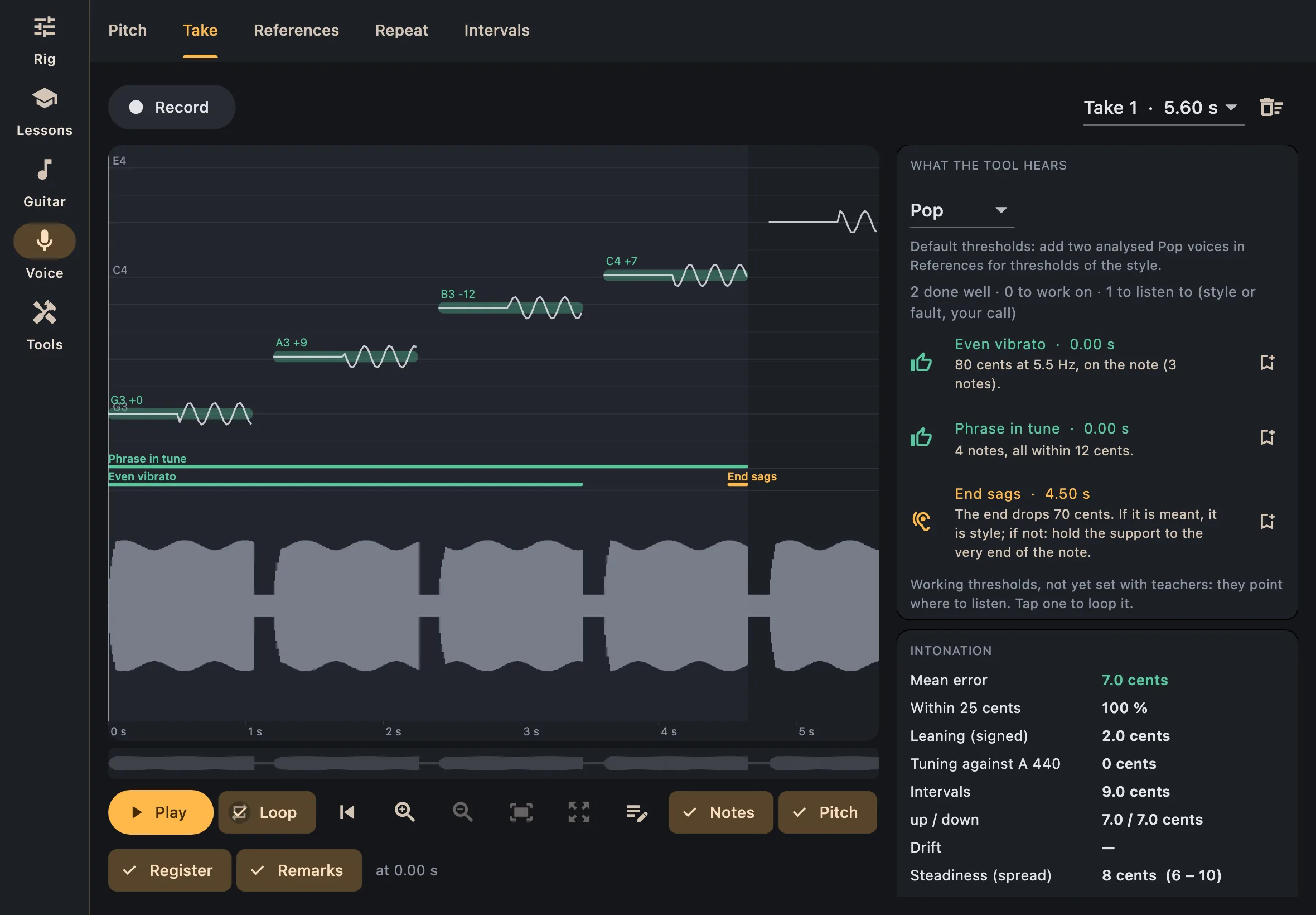
Listen plays the take; Loop goes round a note or a stretch. Tap a note to pick it, or drag across the take to pick a stretch. You can write a note on a moment of the take to find it later.
What the tool hears
The panel on the right lists remarks, each at its place in the take. Tap one to loop it. They come in three kinds:
- Done well: an even vibrato, a phrase in tune.
- To work on: what is a fault in any style, such as a wobbling vibrato.
- To listen to: what may be a matter of style or a fault, such as a phrase that ends flat. It is up to you to judge.
Choose the style you sing in. With two reference voices or more in that style (see below), the remarks are measured against them rather than against default thresholds.
Below the remarks, the analysis gives your intonation, held notes, vibrato, attacks and range in figures.
The bin icon at the top clears the takes of the session.
References
Keep recordings of singers you want to measure yourself against, filed by style (pop, soul, blues, rock, jazz, classical, other).
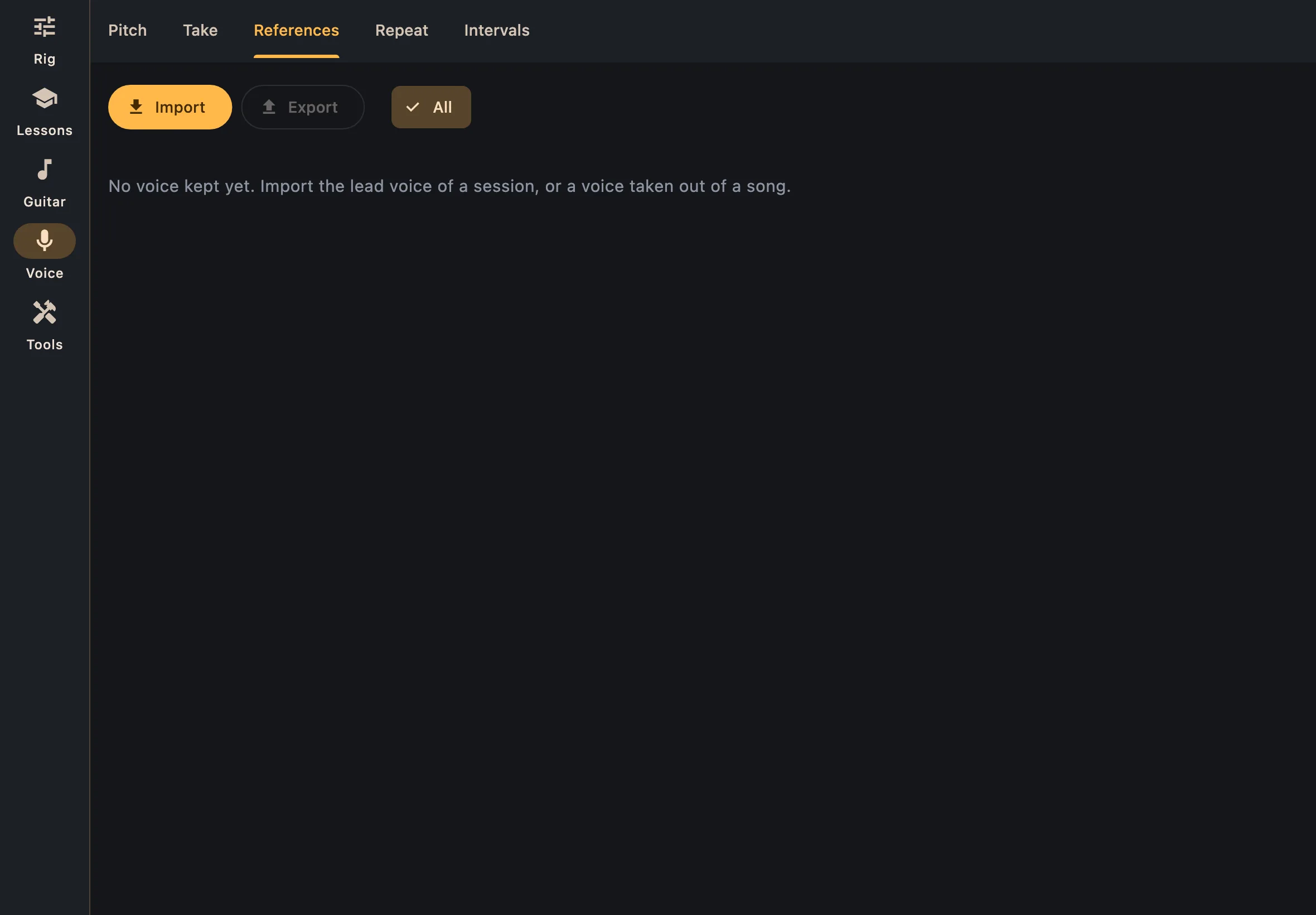
- Import a voice: a WAV file, or a multitrack session as a ZIP in which you pick the vocal track. Say whether it is the raw voice or a mixed one: the tone is only compared between raw voices.
- Each style shows the profile of its voices: how in tune they hold their notes, their vibrato, their attacks, their range.
- Export saves all your voices, with their sound, analyses and styles, as one ZIP; importing that ZIP on another device brings them all back.
- Open a voice to see it in Take, like one of your own.
Multitrack sessions to practise with can be found in the Cambridge-MT library.
Repeat
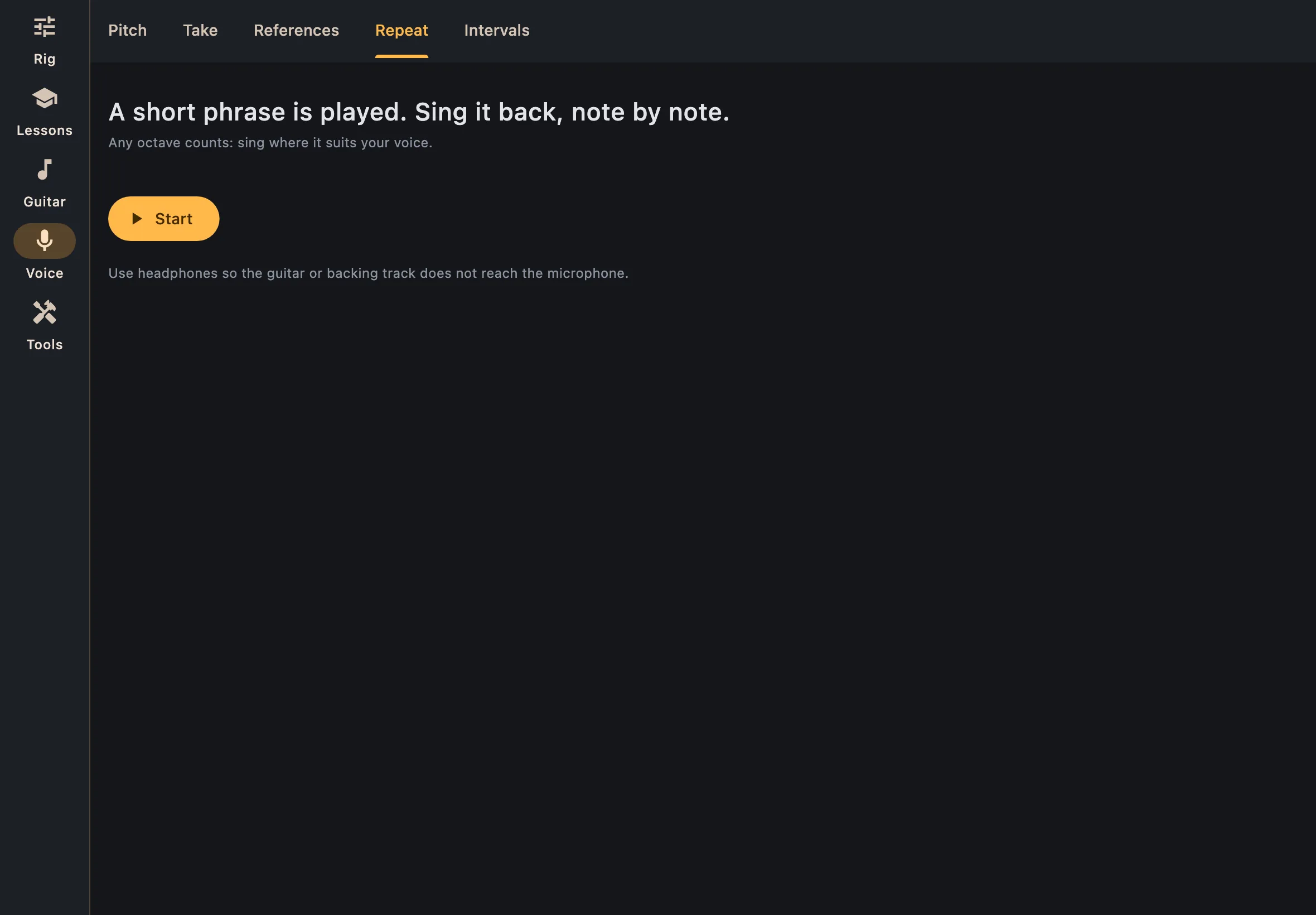
A short phrase is played: sing it back, note by note. Any octave counts, sing where it suits your voice.
Intervals
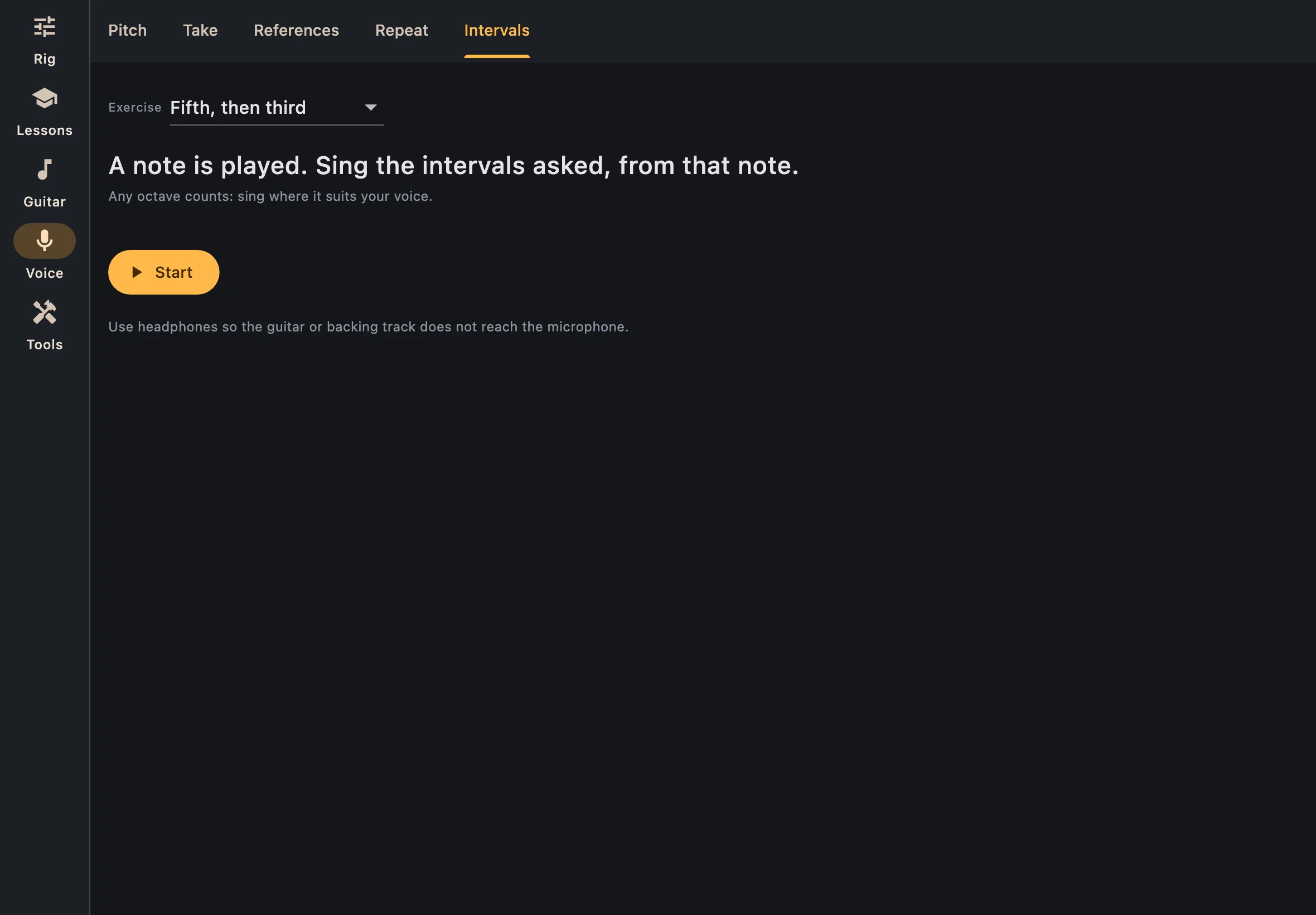
A note is played; sing the intervals asked, starting from that note (a fifth, then a third…). Choose the exercise at the top.