 Robine Studio
Lessons
Theory lessons, timed workouts with scrolling tablature, and the rig each one needs.
Find a lesson
Lessons shows where to start, then every subject (rhythm, theory, ear training, reading, technique, the neck, CAGED, scales, chords, arpeggios, voice…) with how many of its lessons you have done.
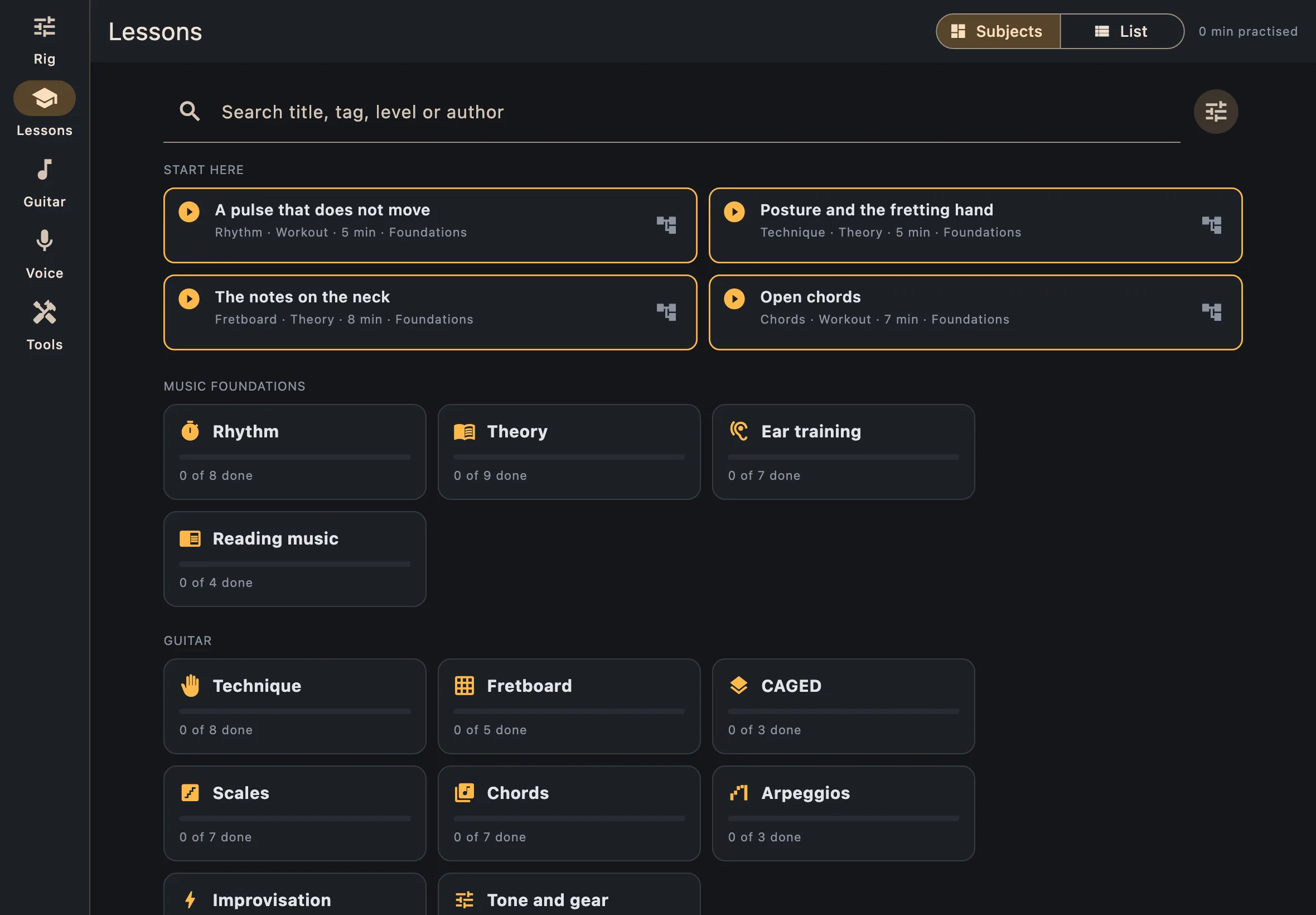
- Subjects and List, at the top, switch between the two views.
- Search by title, tag, level or author; the button next to the search narrows the list.
- The time you have practised is shown at the top right.
Theory lessons
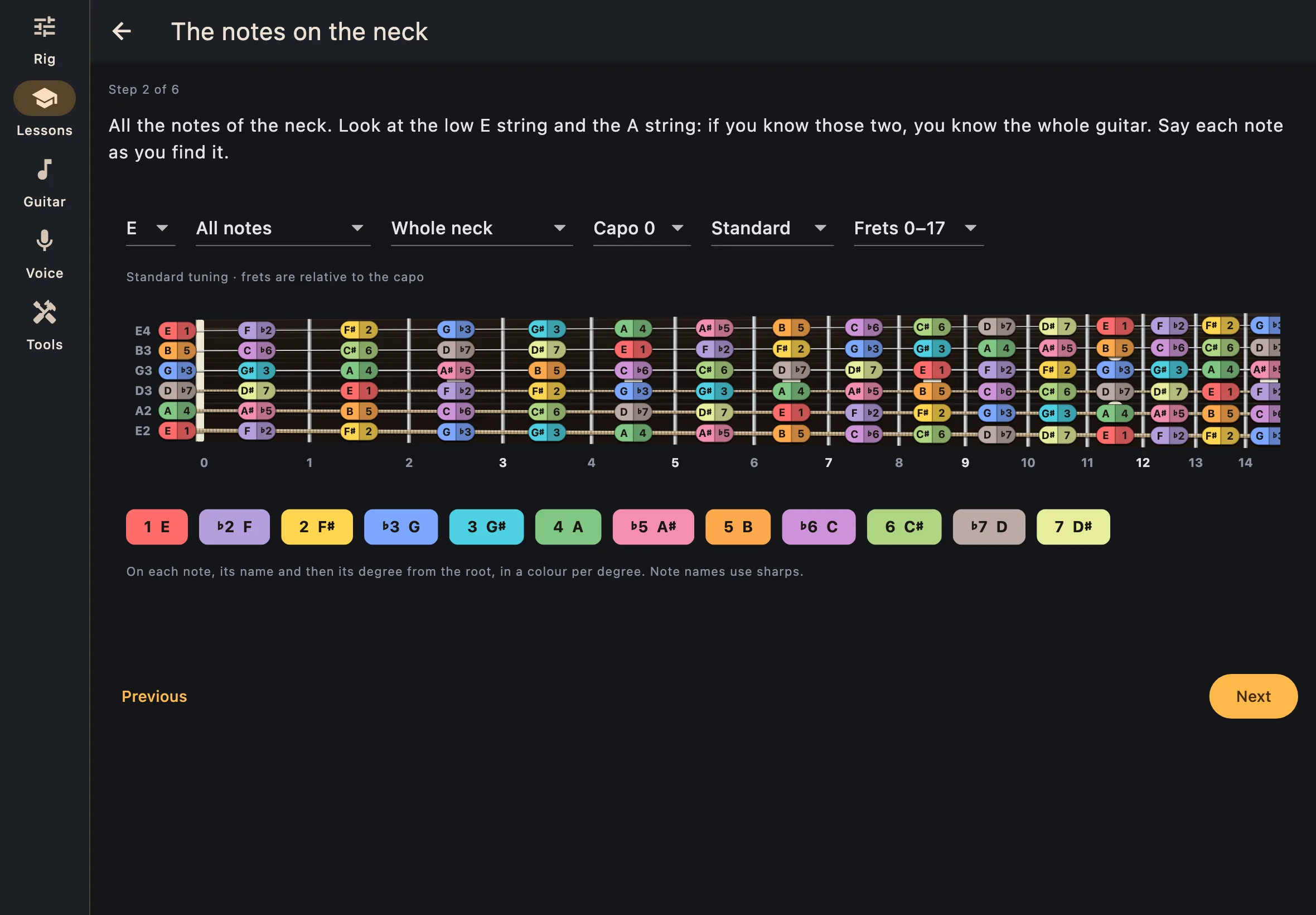
A theory lesson states its goal, then goes step by step: text, diagrams you can play with (the fretboard, the circle of fifths), examples to listen to and questions. It ends with how to tell you have got it, and you say whether you have.
Workouts
A workout is a list of timed exercises, each with its tablature and its tempo. Before you start you can:
- Set up my rig with the sound the workout suggests. The app shows what it will change first, and Restore my rig gives yours back.
- Show the standard notation above the tablature.
- Play the tablature in the rig to hear it with your sound.
- Listen to an exercise before playing it.
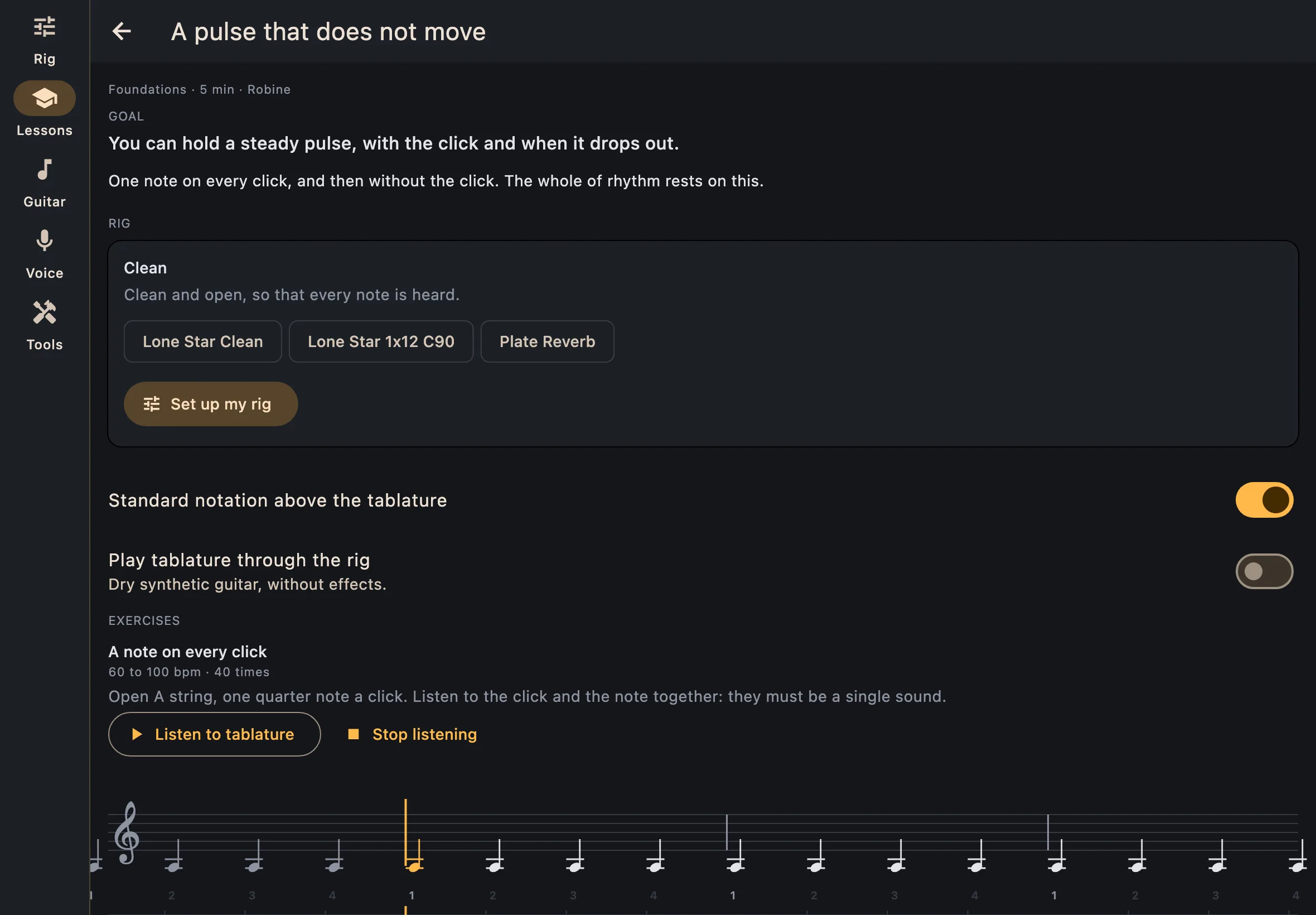
While it runs, the tablature scrolls with the metronome and shows what to play now, with the tempo, the repetition and the time left. An exercise can speed up after a number of repetitions, and drop some clicks so you keep time on your own. Pause, skip and stop are always there.
When a workout ends, the time and tempos are added to your practice log.