 Robine Studio
What is inside
Five sections, one studio: the rig, lessons, a backing guitar, the voice and the tools. The sound keeps running while you go from one to another.
The rig
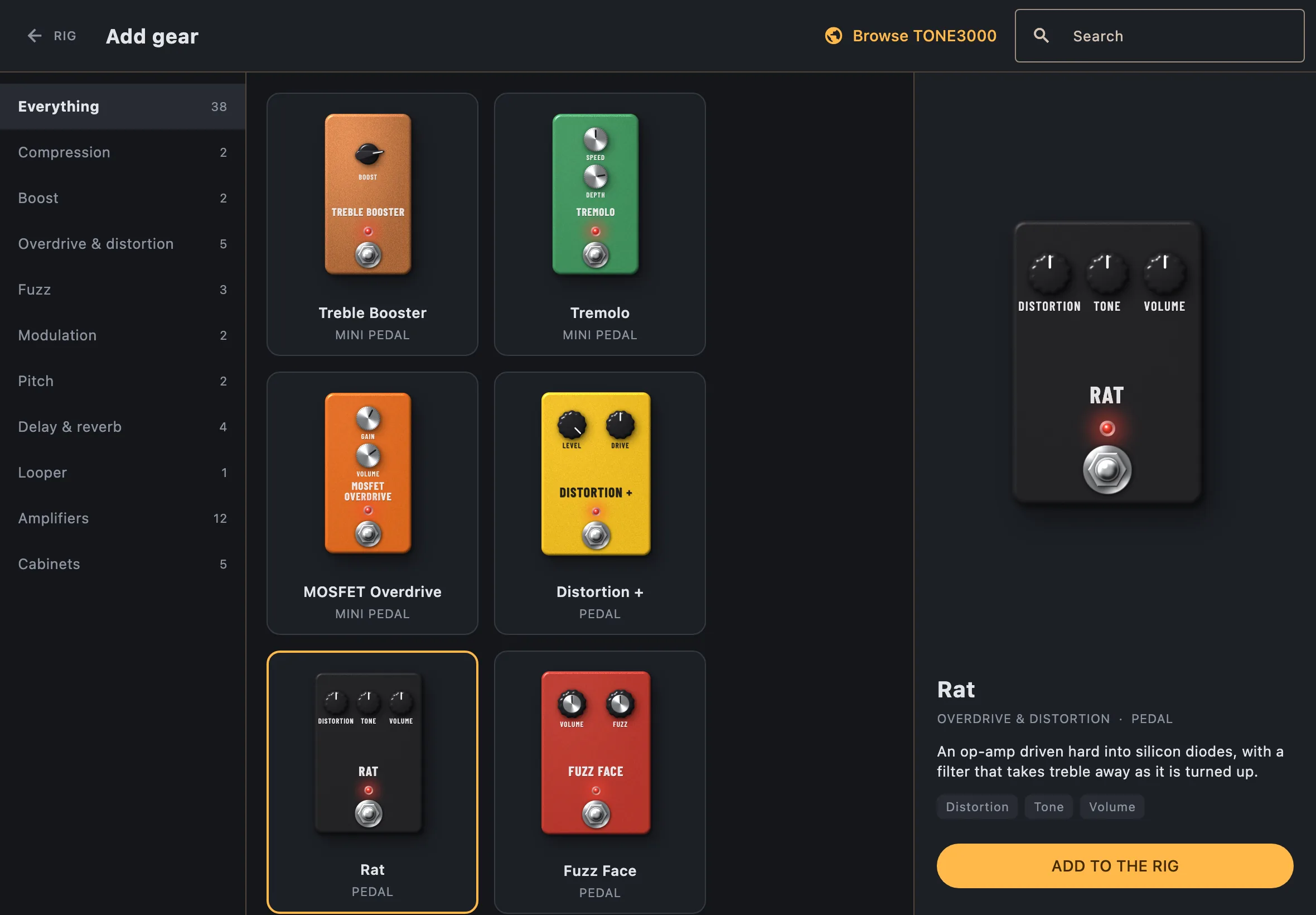
A rig is a chain of up to eight blocks between your input and your output. Add, remove and reorder them while you play.
- Circuits
- Pedals described by their netlist or schematic and simulated with SPICE, with oversampling up to 8× to keep distortion clean.
- Captures
- Neural Amp Modeler captures for amplifiers and pedals, and more to find on TONE3000 from inside the app.
- Cabinets
- Impulse responses from WAV files. Mono, or two channels for a stereo cabinet.
- Stereo
- The signal stays mono until a stereo block comes along; the blocks behind it then run once per side.
- Presets
- Keep a rig under a name, with as many snapshots of its settings as you like, recalled with one tap. Share it as one file.
The looper
A block like any other, so you decide where it sits in the chain.
- Tracks
- Four, up to 30 seconds each, each with its own level.
- One button
- Record, close the loop, overdub, play again. Stop, undo and clear are beside it.
- Free lengths
- Every track has its own length, so loops of different sizes drift against each other.
- Feedback
- Per track: how much of the older layers is kept under each new pass.
- Seamless
- The seam of a loop is crossfaded, so it does not click.
- Undo
- Take back the last overdub.
Lessons
A curriculum for guitar and voice, from rhythm and reading to CAGED, arpeggios and harmony.
- Theory
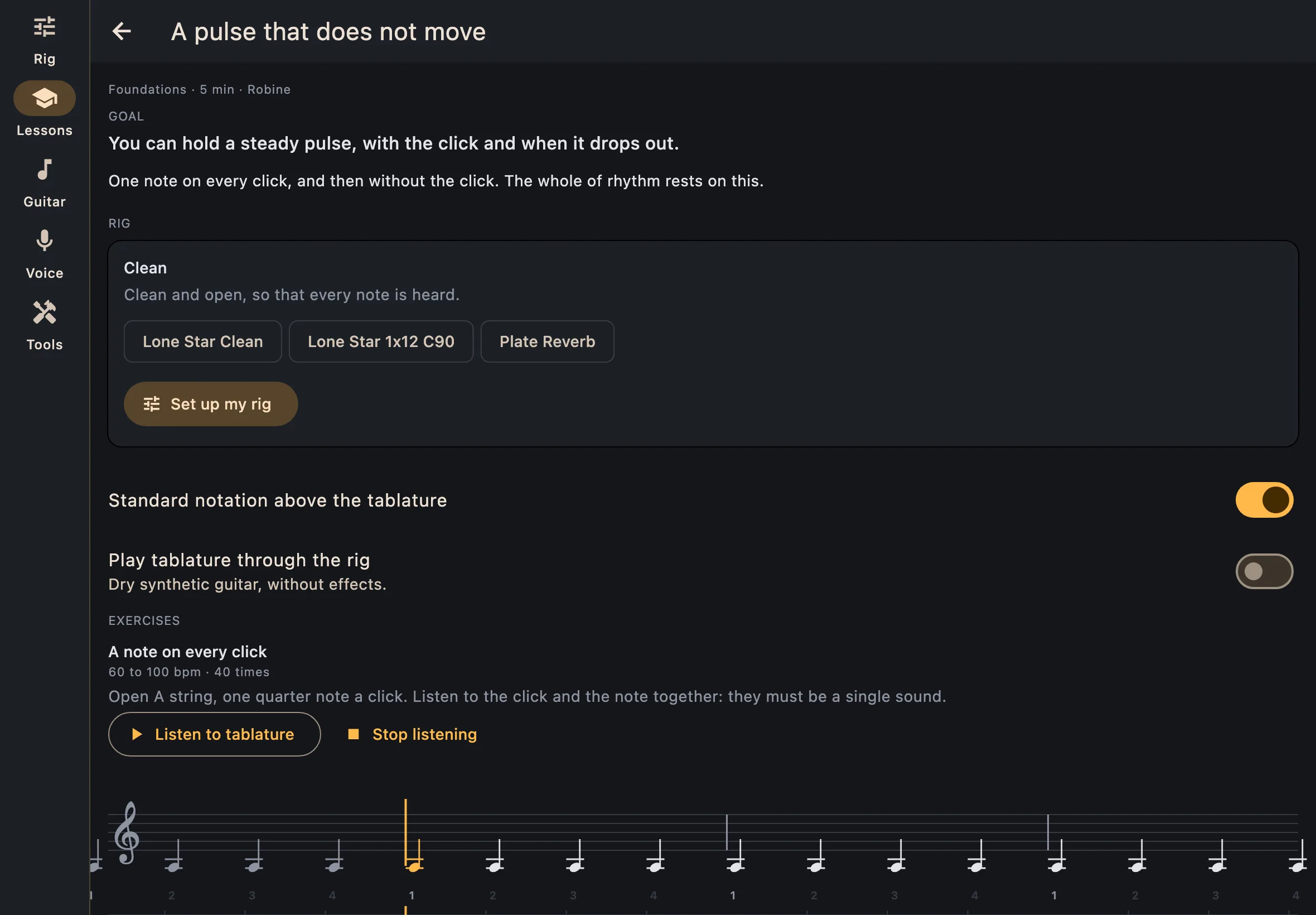
- Short lessons, step by step, with diagrams to play with, examples to hear and questions.
- Workouts
- Timed exercises with the tablature scrolling on the metronome. The tempo rises as you repeat, and clicks drop out so you keep time on your own.
- One-tap rig
- A workout can set up the sound it needs, and gives yours back after.
- Progress
- What you have done, and how long you have practised.
Voice
For singers, and for guitarists who sing.
- Pitch
- Your pitch drawn as you sing, against a target note.
- Takes
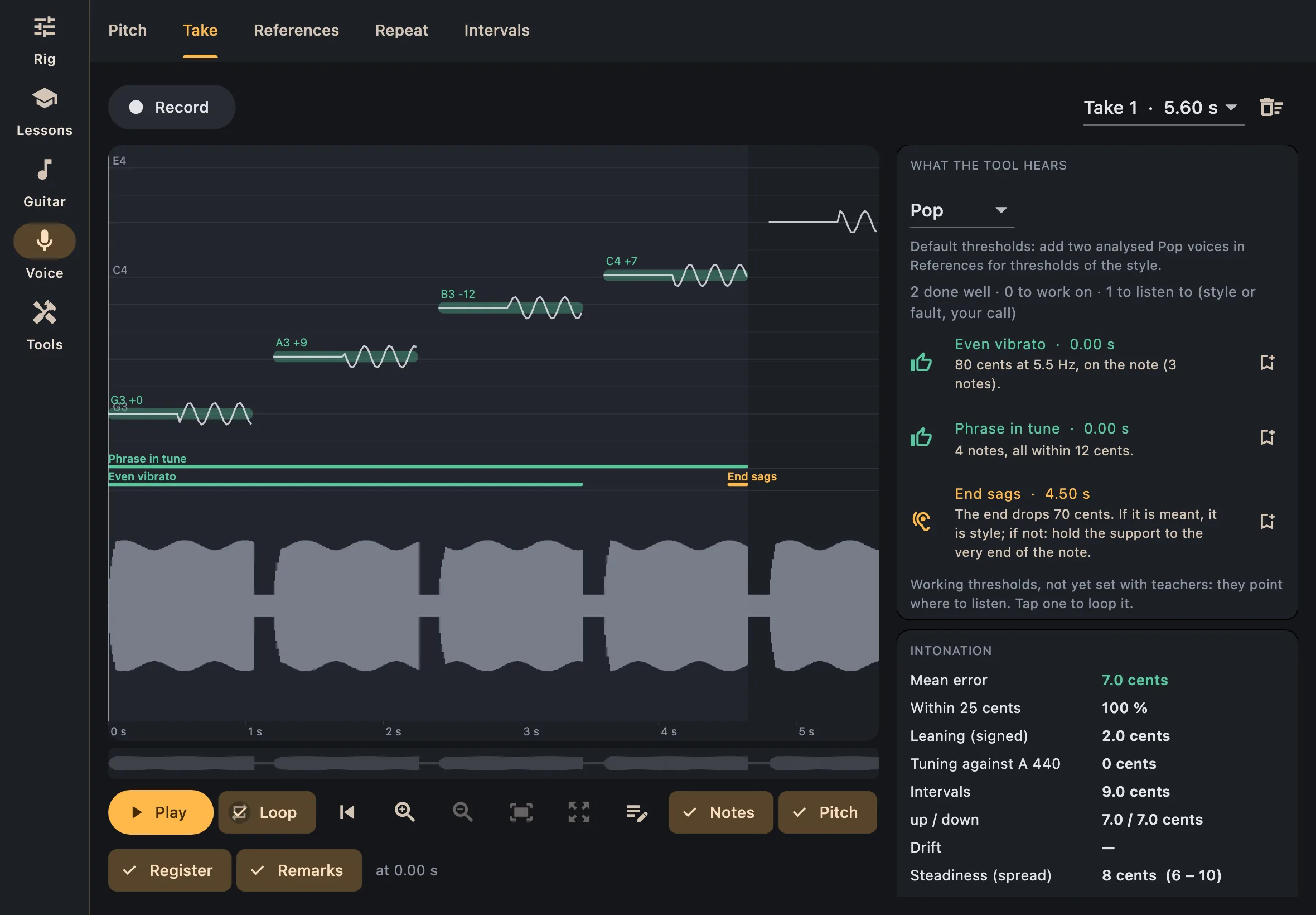
- Record, then see each note, your vibrato, your register and the sound wave. Loop a note or a stretch, write notes on it.
- Remarks
- What was done well, what to work on, and what may be style or a fault, for you to judge.
- References
- Keep the voices of singers you admire, filed by style. Their measures become the standard your takes are held to.
- Ear
- Sing back phrases and intervals.
Tools
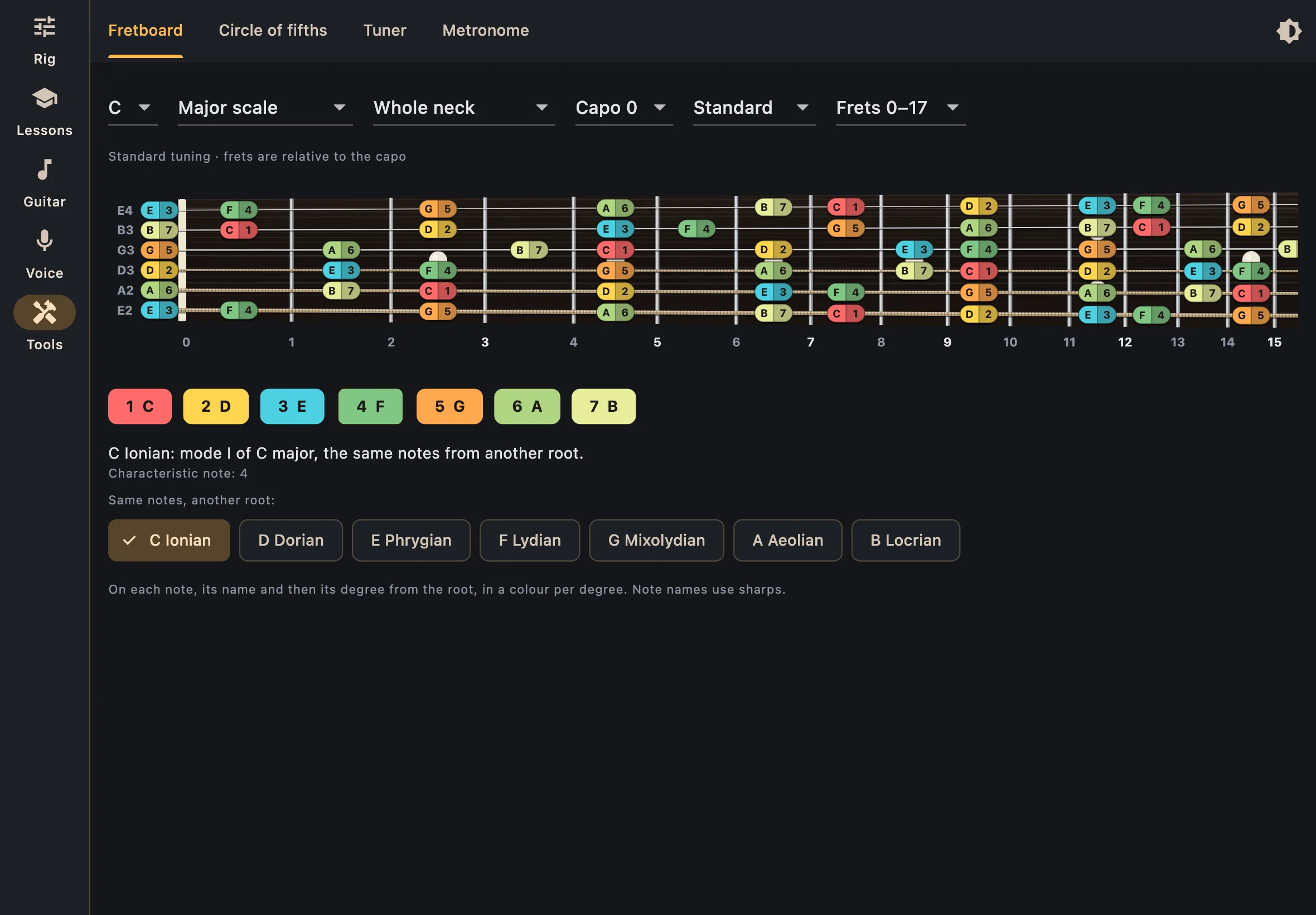
- Fretboard
- Scales, modes and chords on the neck, whole or one CAGED shape or three-notes-per-string position at a time. Any tuning, a capo, the degree of every note.
- Modes
- Each mode with its parent scale and its characteristic note, and the other modes of the same notes one tap away.
- Circle of fifths
- Keys, relative minors and signatures.
- Backing guitar
- A guitar that plays the chords you type, dry or through your rig, and saves them as MIDI.
- Tuner
- In tune within 4 cents, the output muted while you tune.
- Metronome
- Tap tempo, any signature, and random mute.
Your interface
Choose the input and the output, the sample rate and a buffer as small as 32 samples. Known audio interfaces are recognised and offered first, and one plugged in takes over from the microphone.
Coming
Reverse, half speed and pitch on loops; slow modulation for ambient textures; saving loops with a rig; foot control; programs that string lessons together over weeks.